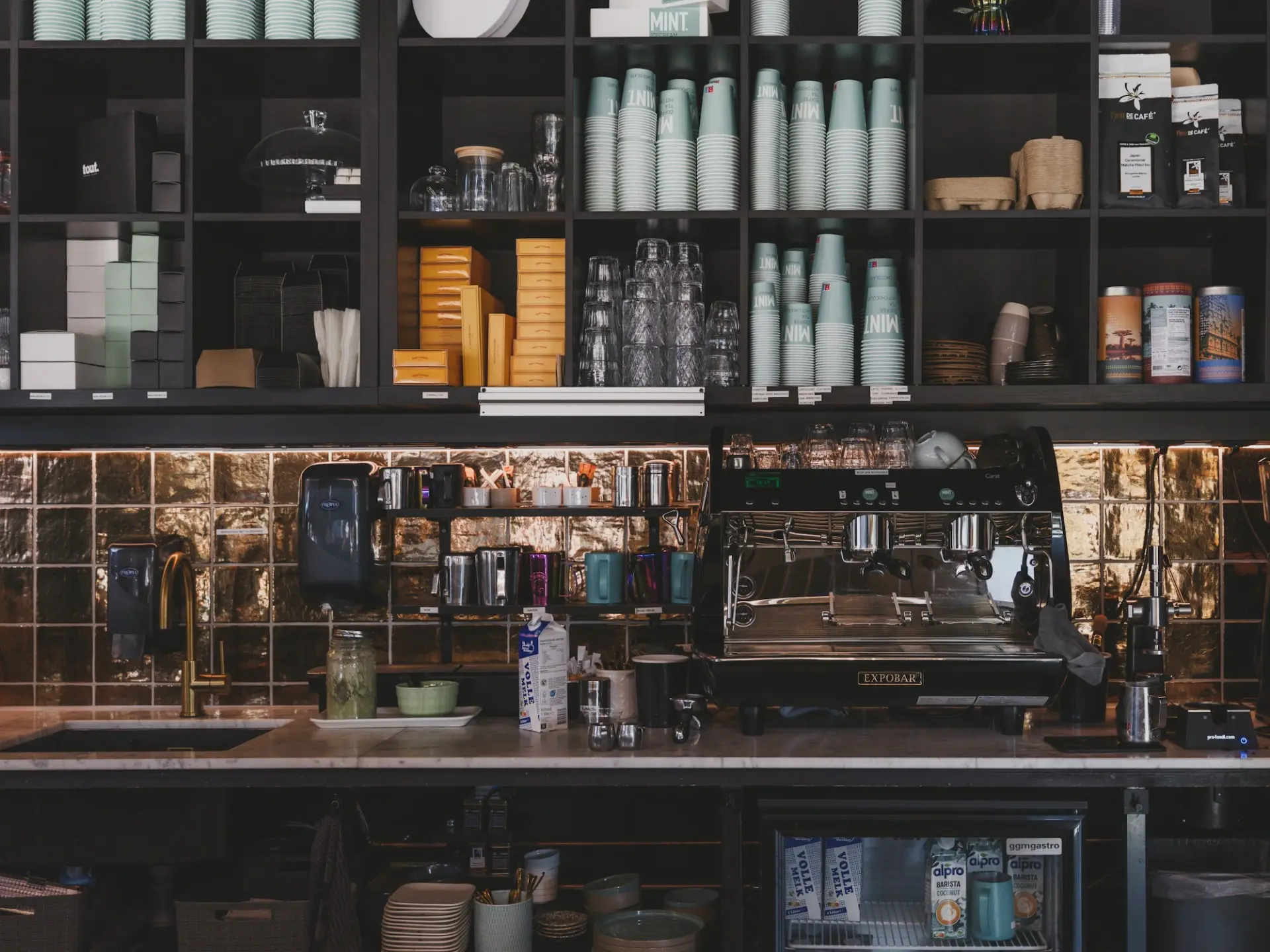
Hardware
Start on the tablet you already have.
The UKU register runs on iPad and Android tablets. Add a card reader and a printer when you’re ready. Printing runs over your own network, so it keeps working when the internet doesn’t.
The counter kit
Add what you need.
When you need it.
Register tablet
iPad or Android tablet running the UKU register app. Bring your own.
Bluetooth card reader
Stripe Reader M2 pairs with the register for tap, chip and swipe. [TBD]
Countertop smart reader
Stripe Reader S700 or WisePOS E, with its own screen for tips and signatures. [TBD]
Tap to Pay on iPhone
Take contactless payments on an iPhone with no extra hardware.
Receipt and kitchen printers
Network thermal printers from Star and Epson, routed by station. Models: [TBD]
Kitchen screen
Any inexpensive tablet with a browser shows tickets by station.
Device drawings for illustration.
Not sure what you need?
Describe your counter.
Get a setup.
Tell the assistant how your counter works and it suggests a setup. Nothing is ordered until you say so.
Try asking
- One counter and a small kitchen. We take tips. What do I need?
- Will my receipt printer keep printing if the internet drops?
- Set up my old iPad as a kitchen screen
Hardware terms and prices are published with the live pricing.
See hardware termsRing your first sale
on the tablet you have.
UKU is invite-only for now. Join the waitlist: start on any tablet, add readers and printers later.